
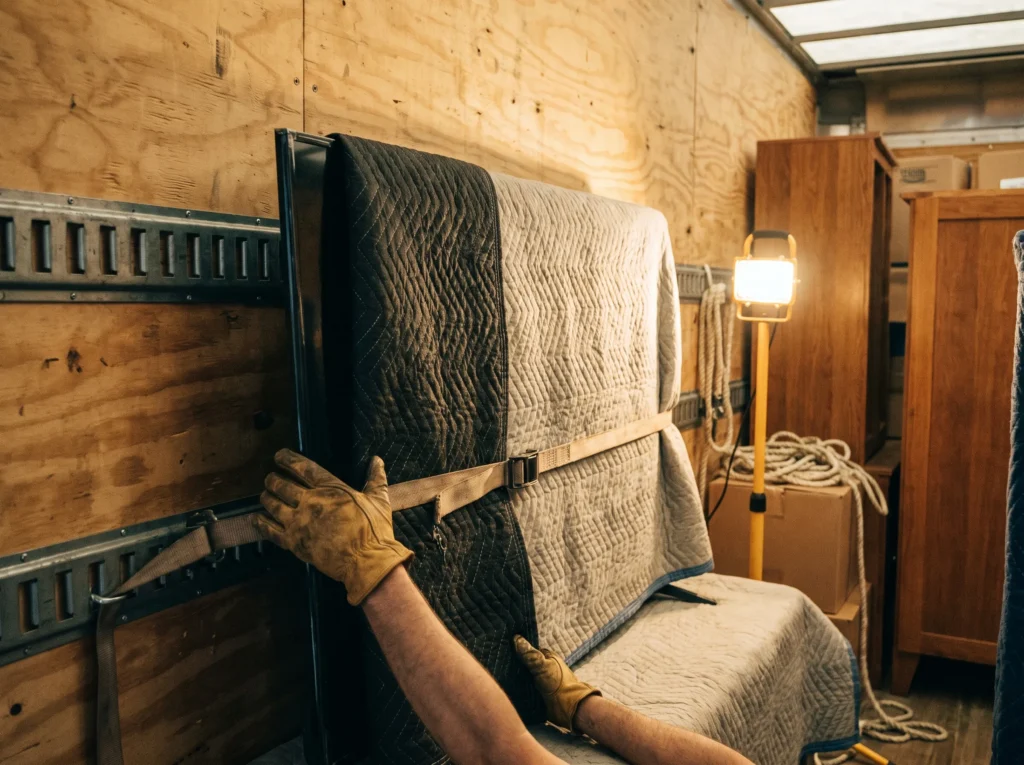
Packing a TV properly is only the first half of keeping it safe. What happens once it’s loaded — how it’s positioned, secured and protected for the drive — matters just as much. Here’s what that actually looks like.
Why loading position matters more than the box
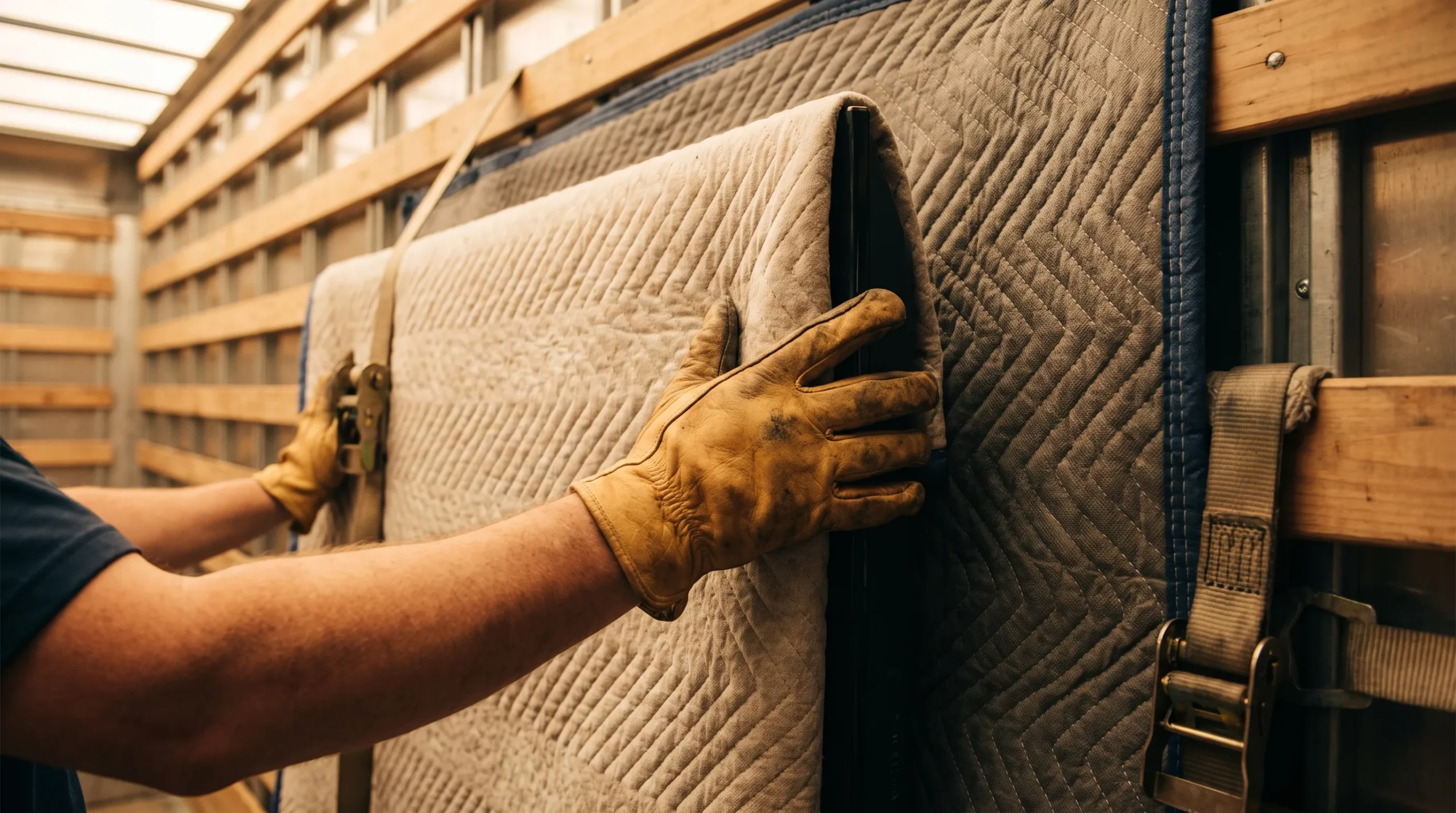
A well-packed TV can still be damaged by poor positioning. Flat-screens are strong front-to-back but genuinely fragile under lateral pressure — the kind they’d get if laid flat with anything stacked on top. TVs always travel upright, positioned against a stable surface where nothing can lean, slide or press against the screen during the drive.
Securing large, flat, fragile items for the drive
Once positioned, a TV gets strapped or wedged so it can’t shift even under braking or cornering. Corners — the single most vulnerable point on any flat-screen — get extra padding, and nothing else in the load is placed where it could tip toward the screen if the truck moves unexpectedly. If you haven’t packed it yet, our guide on how to pack a TV covers the packing side in full.
What changes for interstate transport
A longer trip means more time spent secured in one position, more distance for any loose load to shift, and more variation in road conditions. Interstate TV transport typically gets firmer strapping and denser corner protection than a short local move — see our breakdown of what happens in transit on an interstate move for how that applies across a whole load, not just electronics.
What we check before it comes off the truck
Before delivery, a quick check confirms the TV hasn’t shifted and the packaging is intact. Once it’s inside, powering it on before the crew leaves is the simplest way to catch a problem early — screen pressure marks or dead pixels are far easier to raise on the spot than after the fact.
Frequently asked questions
Does a TV need its original box to travel safely?
It helps but isn’t essential — a properly fitted flat-screen box or rigid padding achieves the same protection if the original packaging isn’t available.
Where does a TV go on the truck?
Always upright, never flat, positioned against a stable wall or secured frame where it can’t shift, tip, or have anything stacked against the screen.
Is TV damage during transit covered?
Ask specifically what transit cover includes before booking — fragile electronics are often treated differently to general furniture, so it’s worth confirming rather than assuming.
Does an interstate trip need extra TV protection?
Longer trips mean more time secured in one position, so extra corner padding and a firmer strap-down are standard for interstate loads compared to a short local move.
What should I check when the TV is delivered?
Power it on before the crew leaves and check the screen for any pressure marks or dead pixels — it’s far easier to flag on the spot than after the truck has gone.
Got a TV or other large electronics to move? Ask Move Masters Removalists how we’d pack and transport it.